Quick Start
Installation
 Download the source code.
-
Unzip it.
Tip
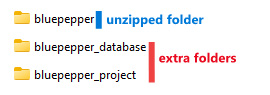
When working on a local project, additional folders are created at first launch. You should unzip the archive into a new folder (for example,
myProject).
-
Run
install_dev.bat .
. - Double-click the newly created BluePepper shortcut.
From here, we recommend:
Download the demo project
At first launch, if BluePepper detects the project is empty, you will be prompted to download a demo project.
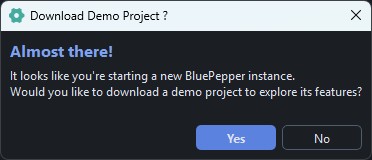
If you press "Yes", BluePepper will set up a database with a few assets and shots and will download a few Blender files for you to play with.
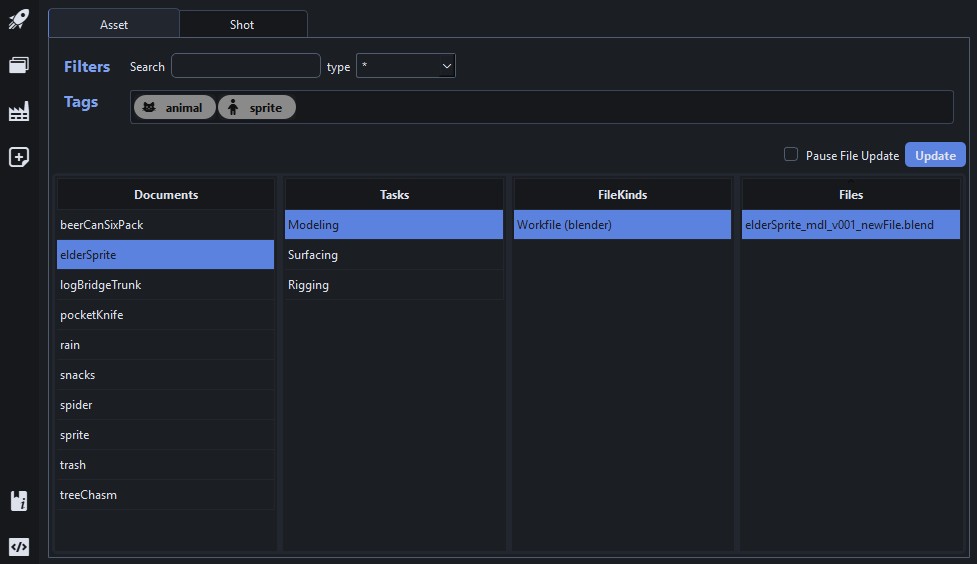
Create a few assets/shots manually
If you prefer not to download the demo project, just click No and go to the EntityCreator page to create your own assets and shots.
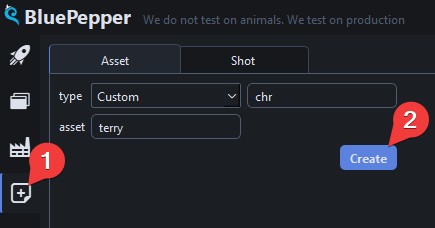
Once this is done, you can explore the Browser to see what you can do.
Experimenting With Configuration Files
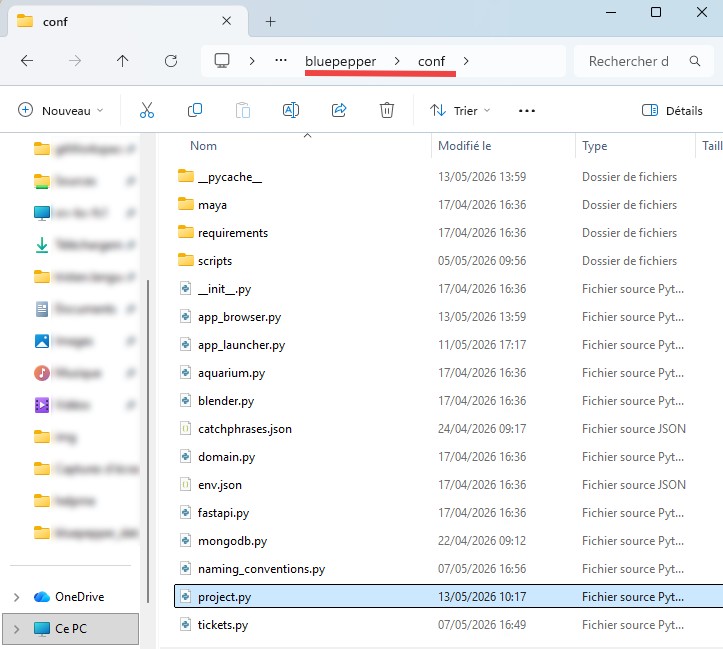
If you're feeling adventurous, you can explore the files in the conf folder to get a sneak peek at the inner workings of BluePepper.
I don't know where to start
Don't worry if you feel a bit lost with configuration files. Everything is explained in detail in the TD/Dev Documentation.
To get started, take a look at project.py, naming_conventions.py, and app_browser.py.