BluePepper App Overview
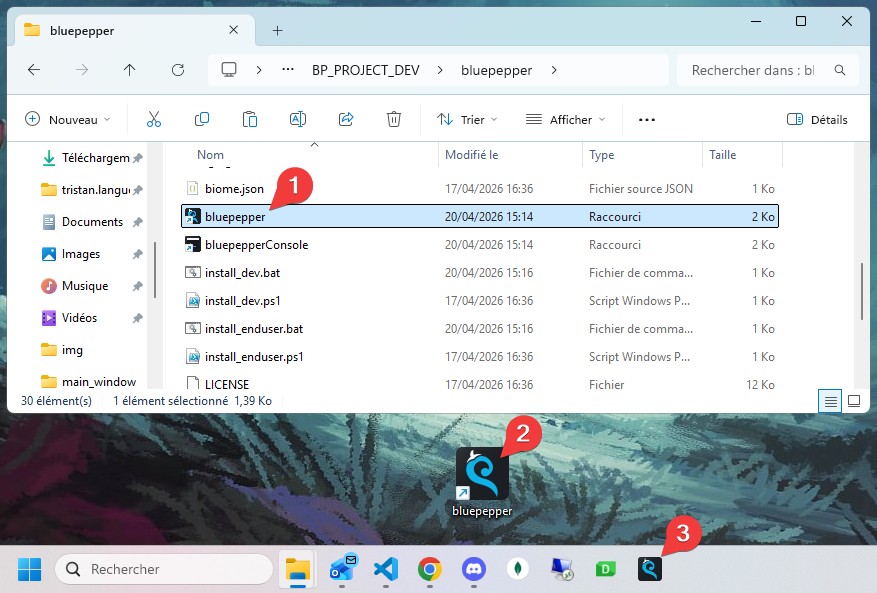
After installation, a shortcut to the BluePepper App is available in the installation folder. You may copy it to your desktop or pin it to the taskbar if you wish.
The various components of BluePepper can be accessed through the left sidebar.
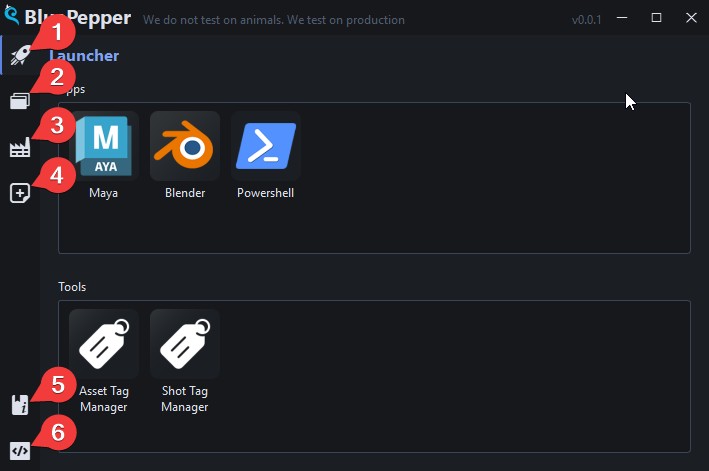
 The
The Launcher, which contains shortcuts to your software and tools. The
The Browser, which allows you to browse files related to assets and shots. The
The Batcher, where background jobs can be monitored. The
The EntityCreator, which allows you to create new assets and shots. A link to the official
 BluePepper documentation. A button to toggle the
 System Console.